Brand Guidelines
The Pear brand, in one place
Everything you need to represent Pear correctly — our logo, icon, colour palette, and usage rules. Please follow these guidelines so the brand stays consistent everywhere it appears.
Logo
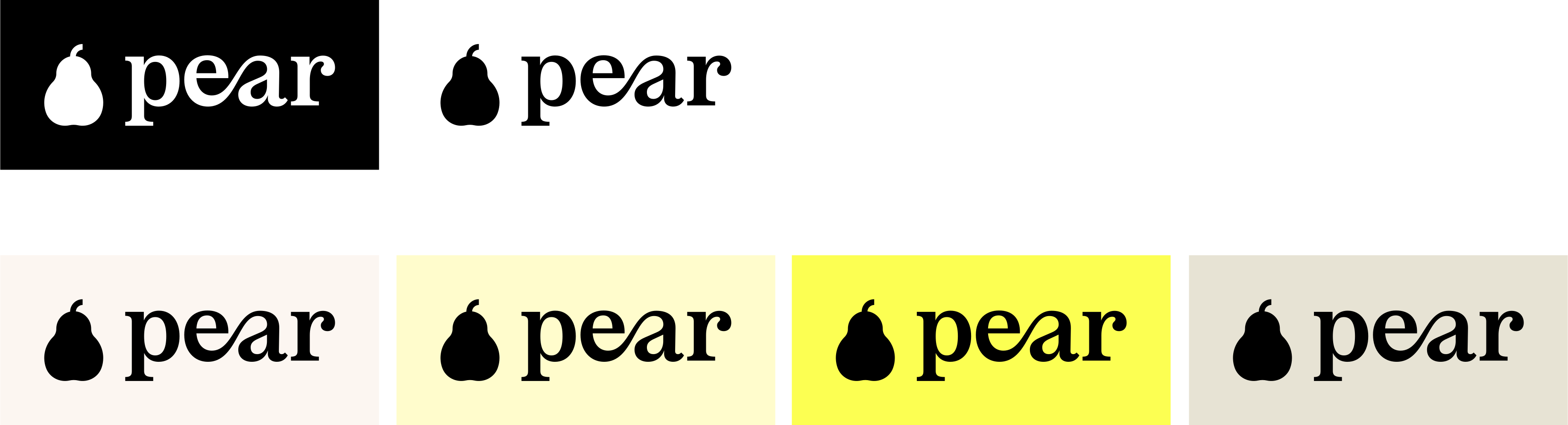
The primary wordmark is the cornerstone of our identity. Use it whenever there is room for the full lockup.
 On light
  On dark
 Colourways
Icon
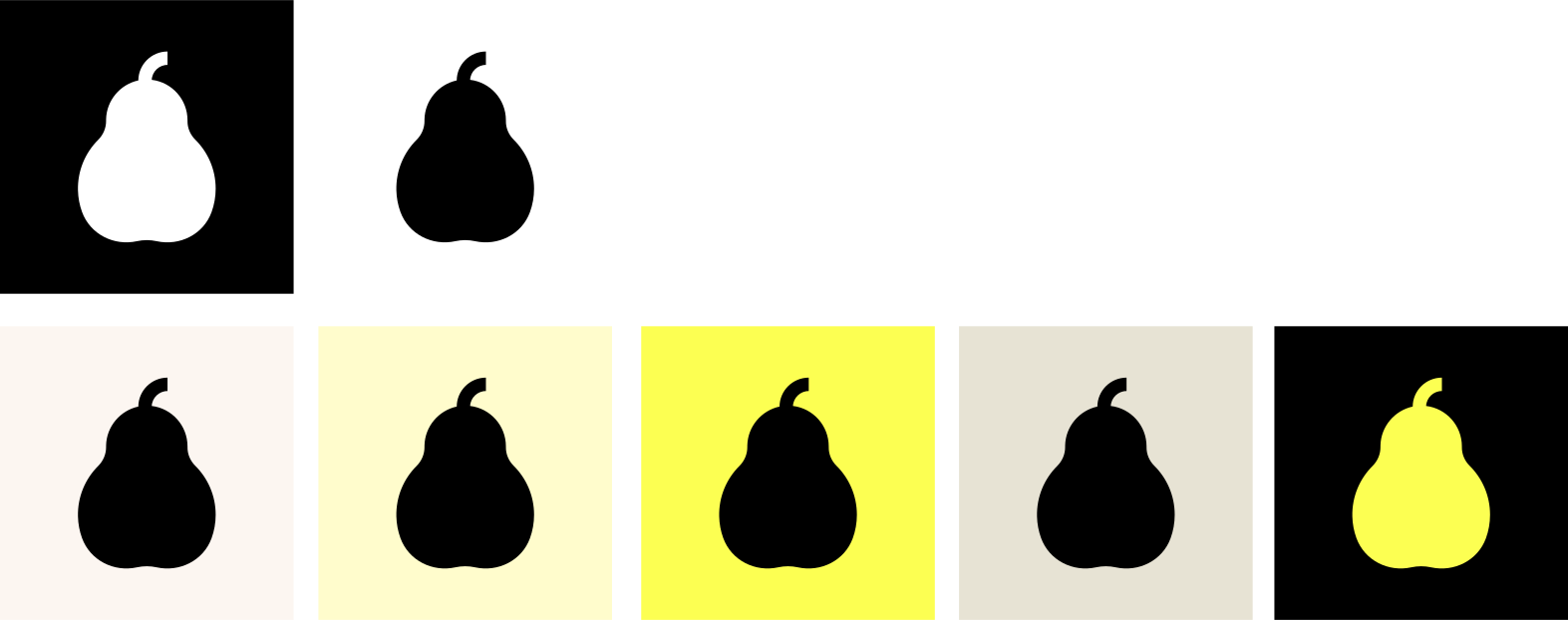
The pear mark works on its own where the full wordmark won’t fit — app icons, avatars, favicons, and tight spaces.
 On light
  On dark
 Colourways
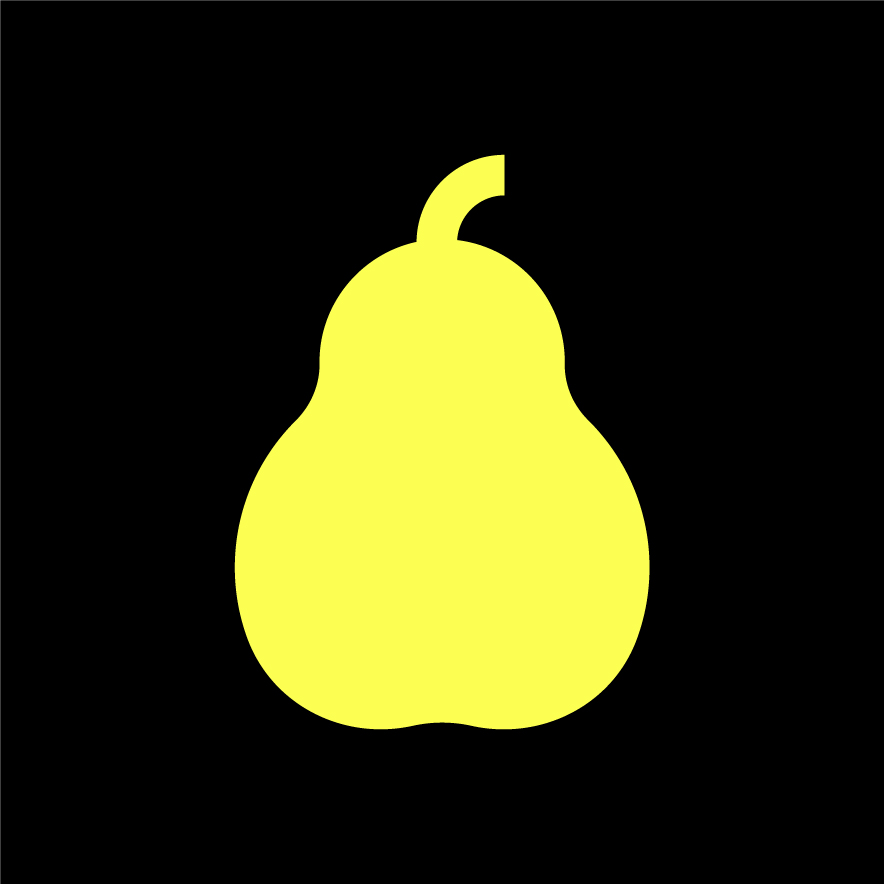
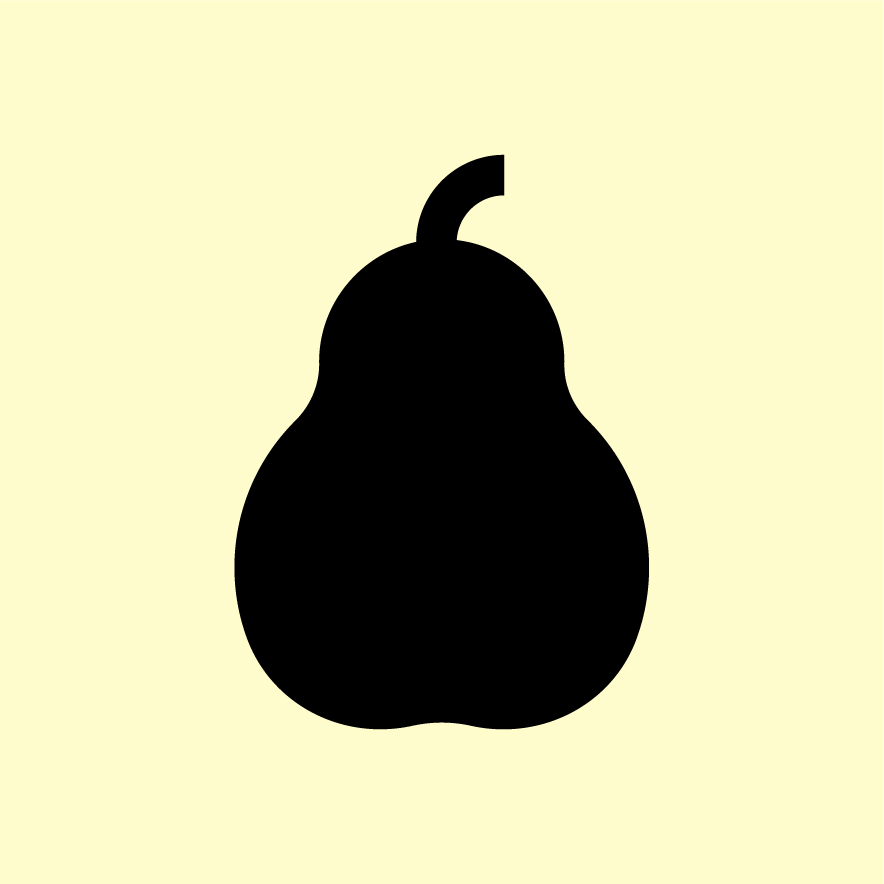
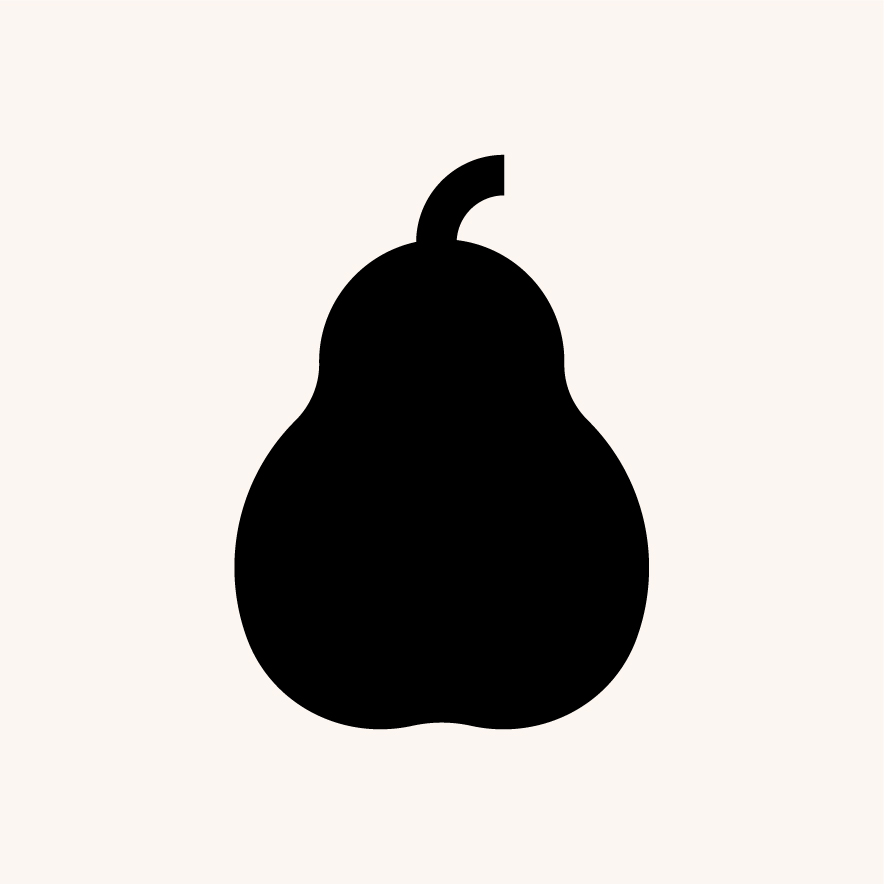
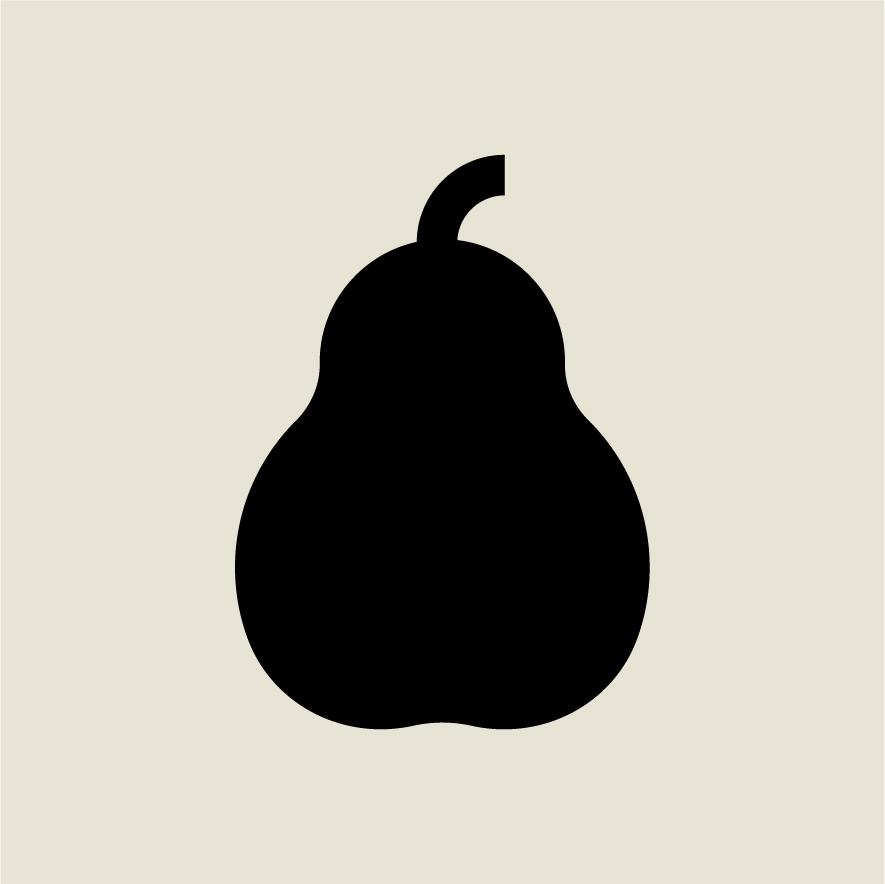
Colour palette
Black and bright yellow carry the brand. The warm neutrals and soft yellows provide range for backgrounds and supporting elements.
Typography
Two typefaces carry the brand voice — an elegant serif for headlines and a clean sans for everything else.
Aa
Playfair Display
Used for titles and statements. Set in regular weight with tight tracking.
ABCDEFGHIJKLM
abcdefghijklm 0123456789
Aa
Inter
Used for body copy, labels, and interface text. Weights 300–700.
ABCDEFGHIJKLM
abcdefghijklm 0123456789
Usage
A few rules keep the logo legible and the brand recognisable.
Do
- Use the supplied master artwork without alteration.
- Keep clear space of at least the height of one “square” around the logo.
- Choose the colourway with the strongest contrast against its background.
- Use the icon mark when space is tight or for avatars and favicons.
Don’t
- Don’t stretch, squash, rotate, or otherwise distort the logo.
- Don’t recolour the logo outside the approved brand palette.
- Don’t add shadows, outlines, gradients, or other effects.
- Don’t place the logo on a busy background or one with poor contrast.
Downloads
Grab the full kit, or pick individual files. SVG is preferred for digital and print — it scales to any size.
Need something else, or have a partnership enquiry? .